
Frequently Asked Questions
Why is a link in my Mail Designer 365 email design being applied to the entire image area instead of my button or shape?
When your email templates are rendered, an entire image area will become one image. This means that when you send your Mail Designer 365 email designs, all of the graphic elements that you add within one image area will be combined and turn into one image. As a result, the link that you add will apply to the entire image area instead of a single element.
 If you want to add multiple buttons with different links, the use layout blocks with multiple image areas. That way, you can add one button with its own link per one image area.
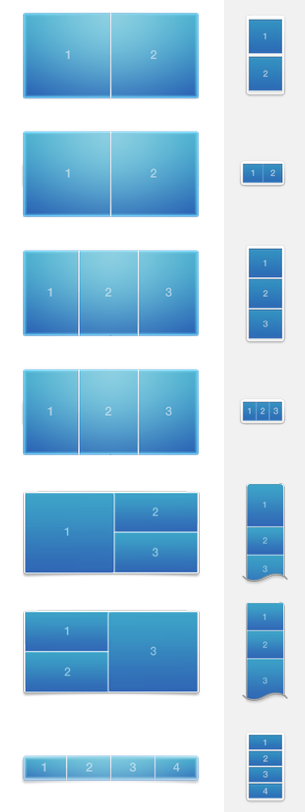 Please refer to the following page for more information on text areas why a link is being applied to the entire image area instead of a graphic element:
If you want to add multiple buttons with different links, the use layout blocks with multiple image areas. That way, you can add one button with its own link per one image area.
Please refer to the following page for more information on text areas why a link is being applied to the entire image area instead of a graphic element: