
Seasonal graphics for newsletters were a central part of the Mail Designer 365 2.8 release, alongside holiday sales templates and macOS Monterey improvements. This historical guide covers its Thanksgiving, Hanukkah, Christmas, and promotion-ready design assets.
Find out everything that's new in version 2.8 in our detailed update guide...
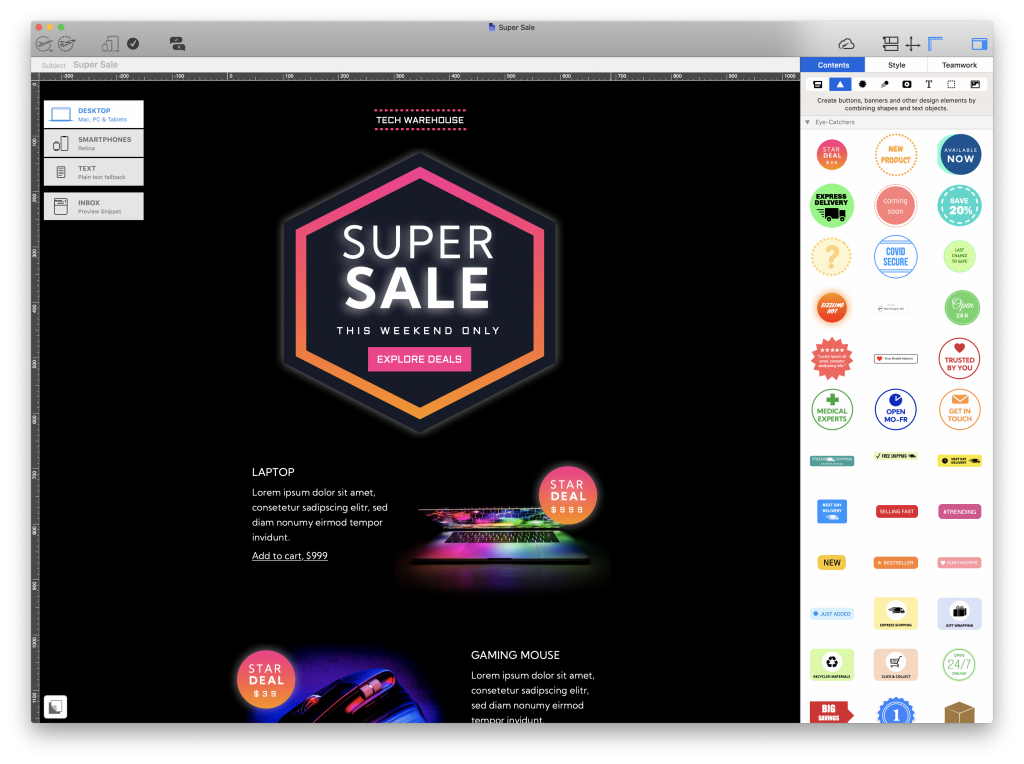
What's New in Mail Designer 365 2.8?
New: Design Ideas for the holiday sales season
With the end of the year drawing closer (we can't believe it either), businesses everywhere will undoubtedly be getting ready for the highly anticipated holiday sales season.
Whether it's a mid-season sale, a seasonal promotion or a "Black Friday" offer, Mail Designer 365 has you covered - with 3 brand new sales templates, perfect for enticing your customers to get started with their holiday shopping.
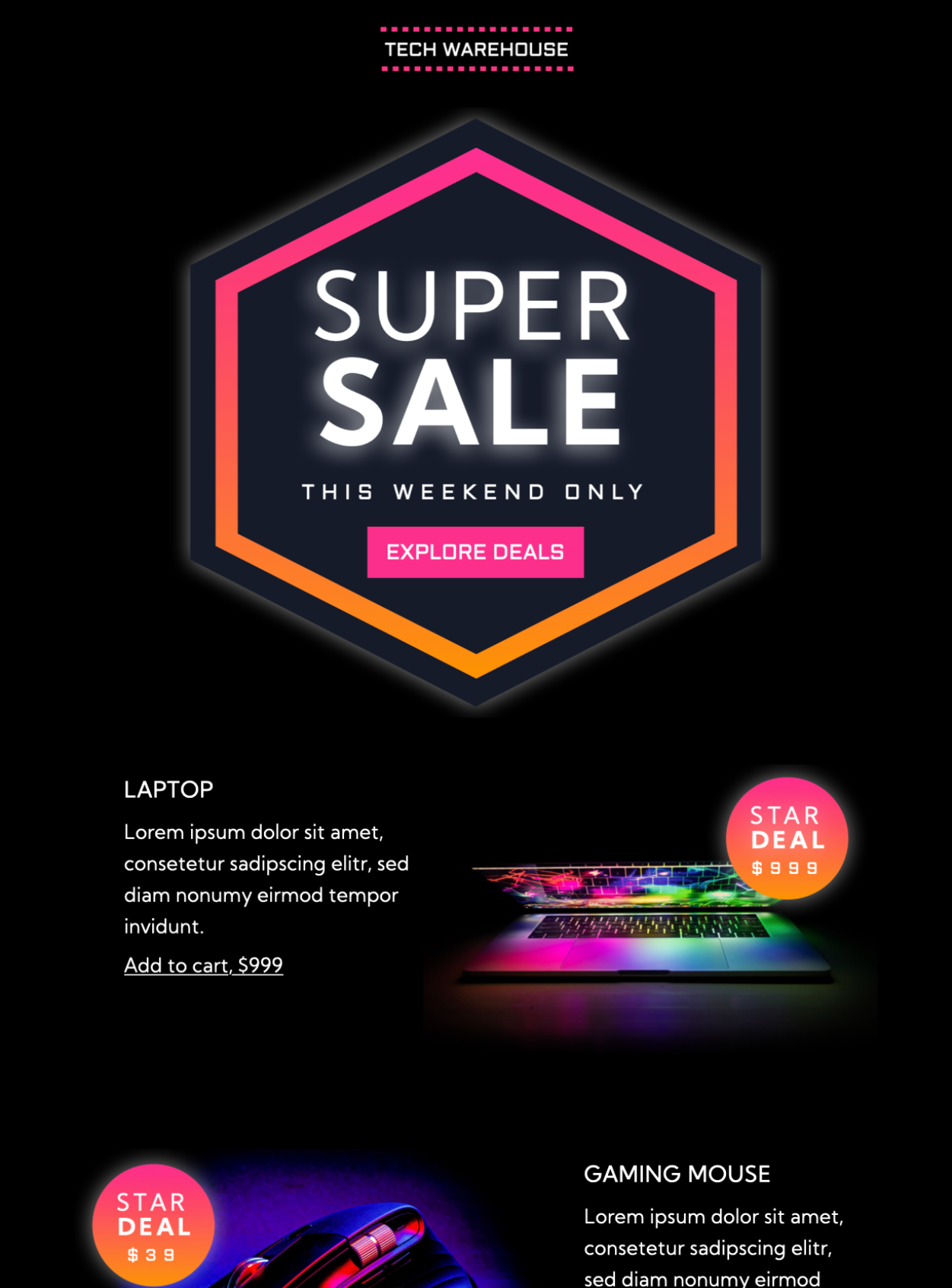
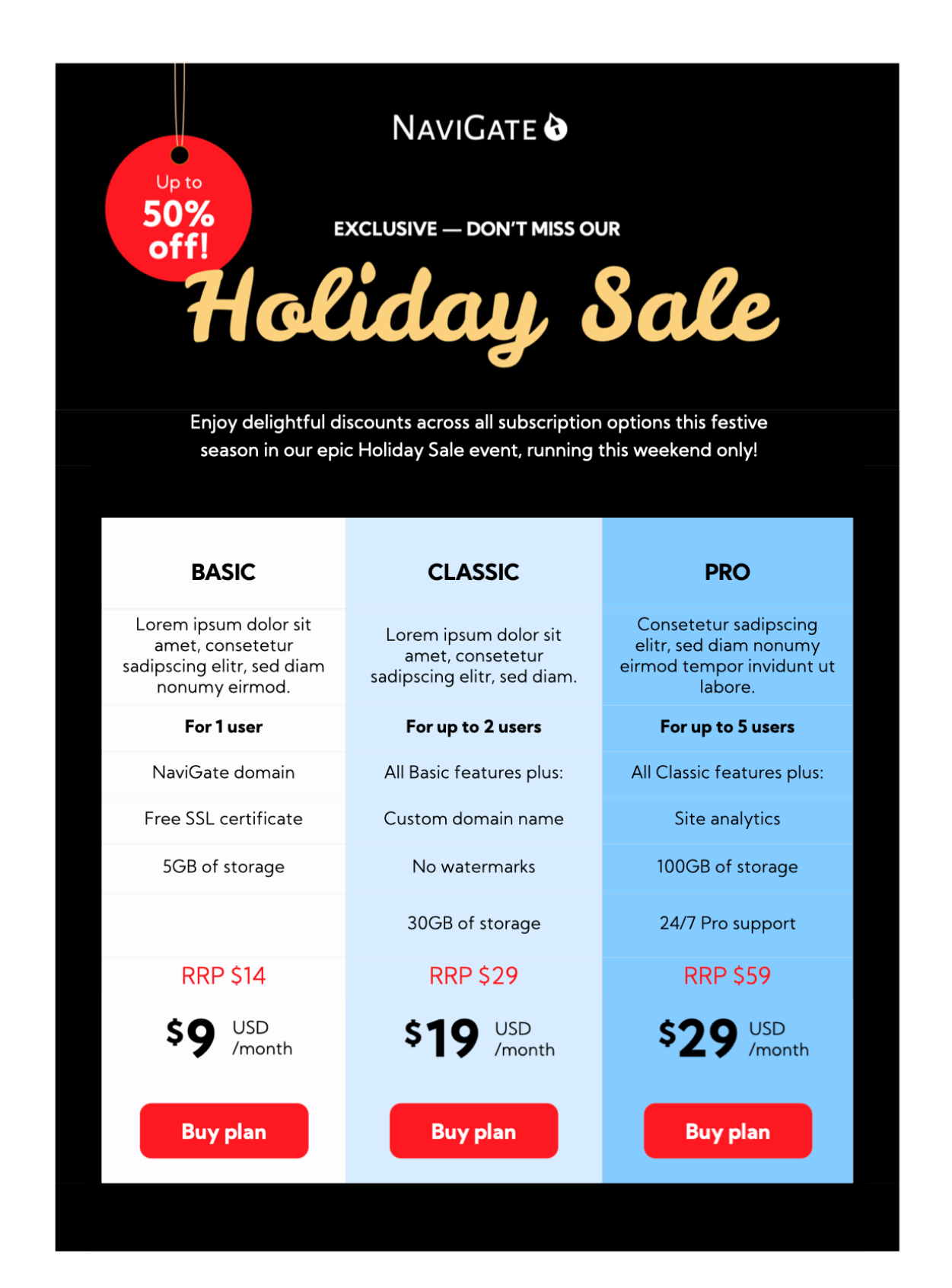
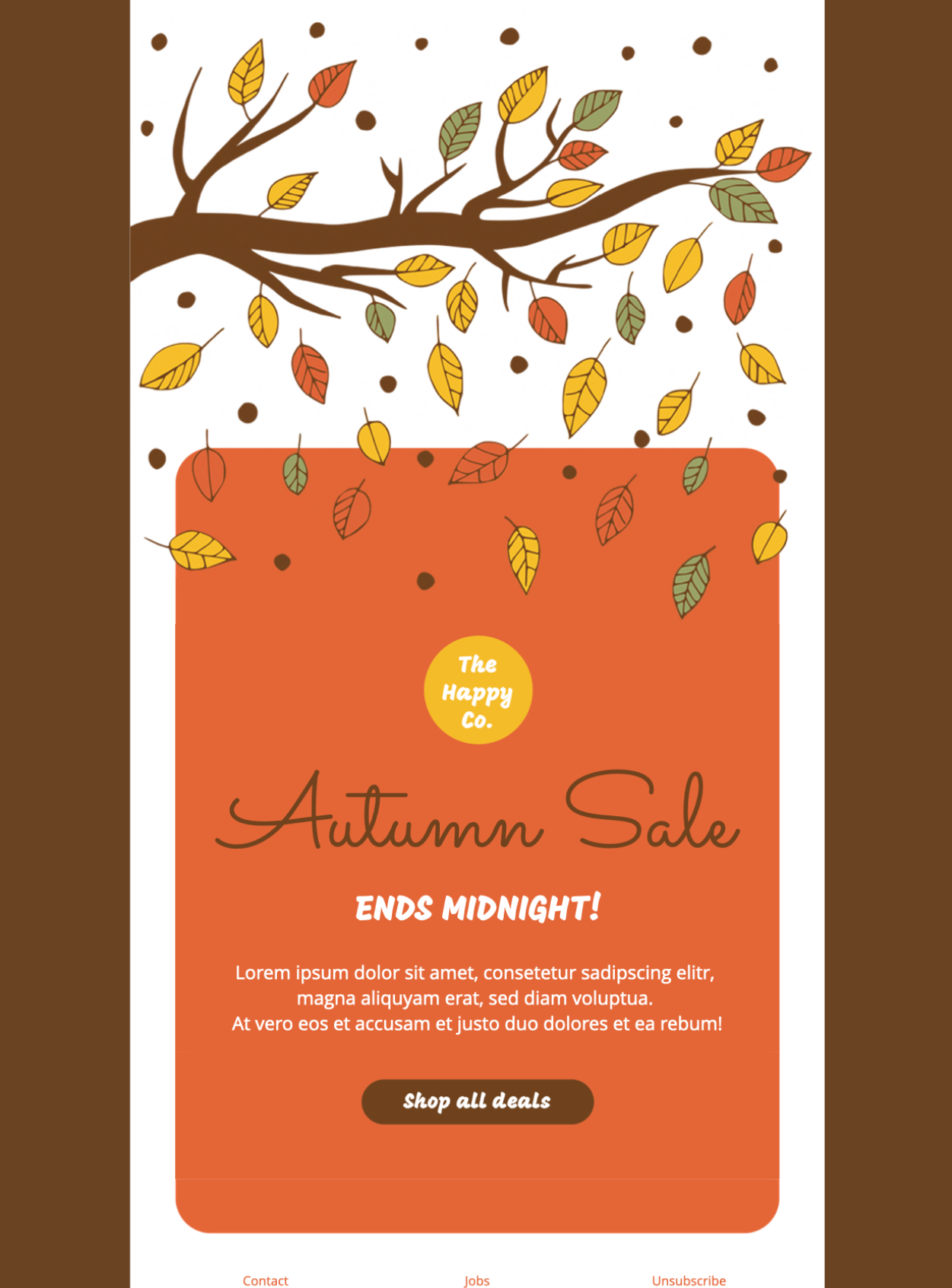
Version 2.8 release note: The Holiday Sale template introduced a table-based layout for service promotions. It was presented as a Business Premium design in 2021; current template and plan availability may differ.
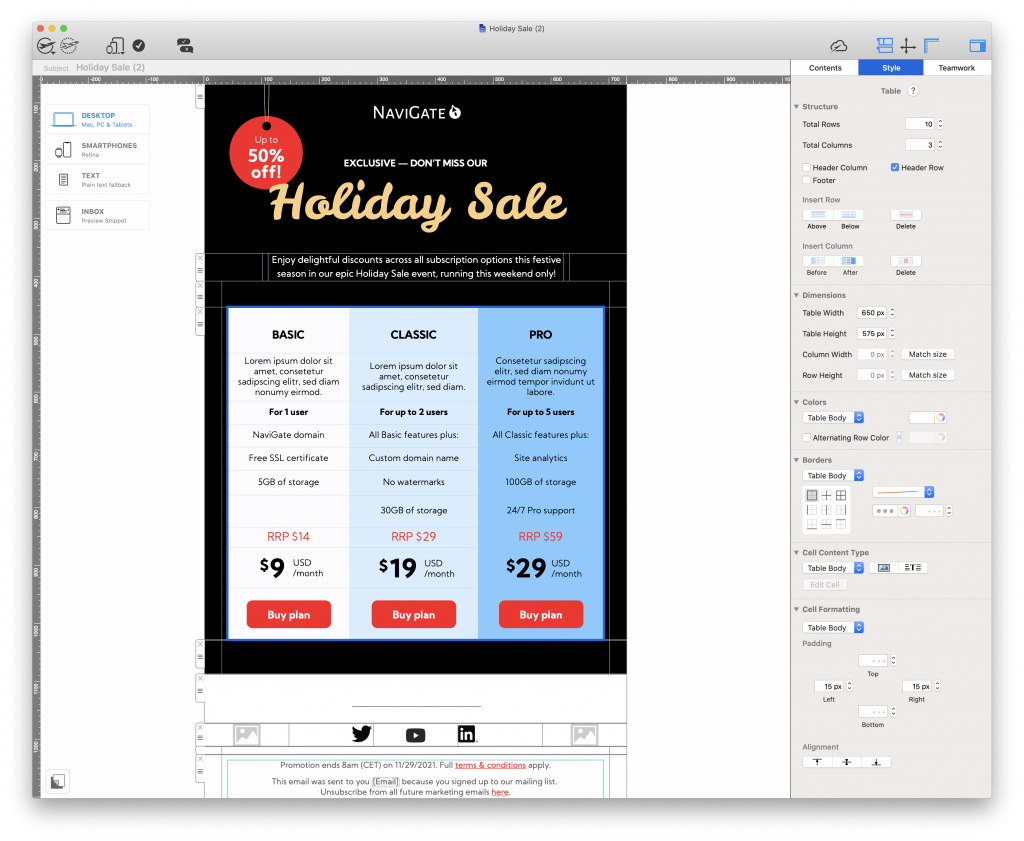
Holiday Sale Design Idea as presented in the version 2.8 release.
Find all the new sales templates in the Design Chooser under the "Sales" category.
New: Seasonal Design Ideas for Thanksgiving, Hanukkah and Christmas
In this update, we've also further expanded our collection of seasonal Design Ideas with four new templates for Thanksgiving, Hanukkah, and Christmas.
Use these stylish designs to send a festive greeting to co-workers, business associates, and customers or adapt for a special seasonal sale.
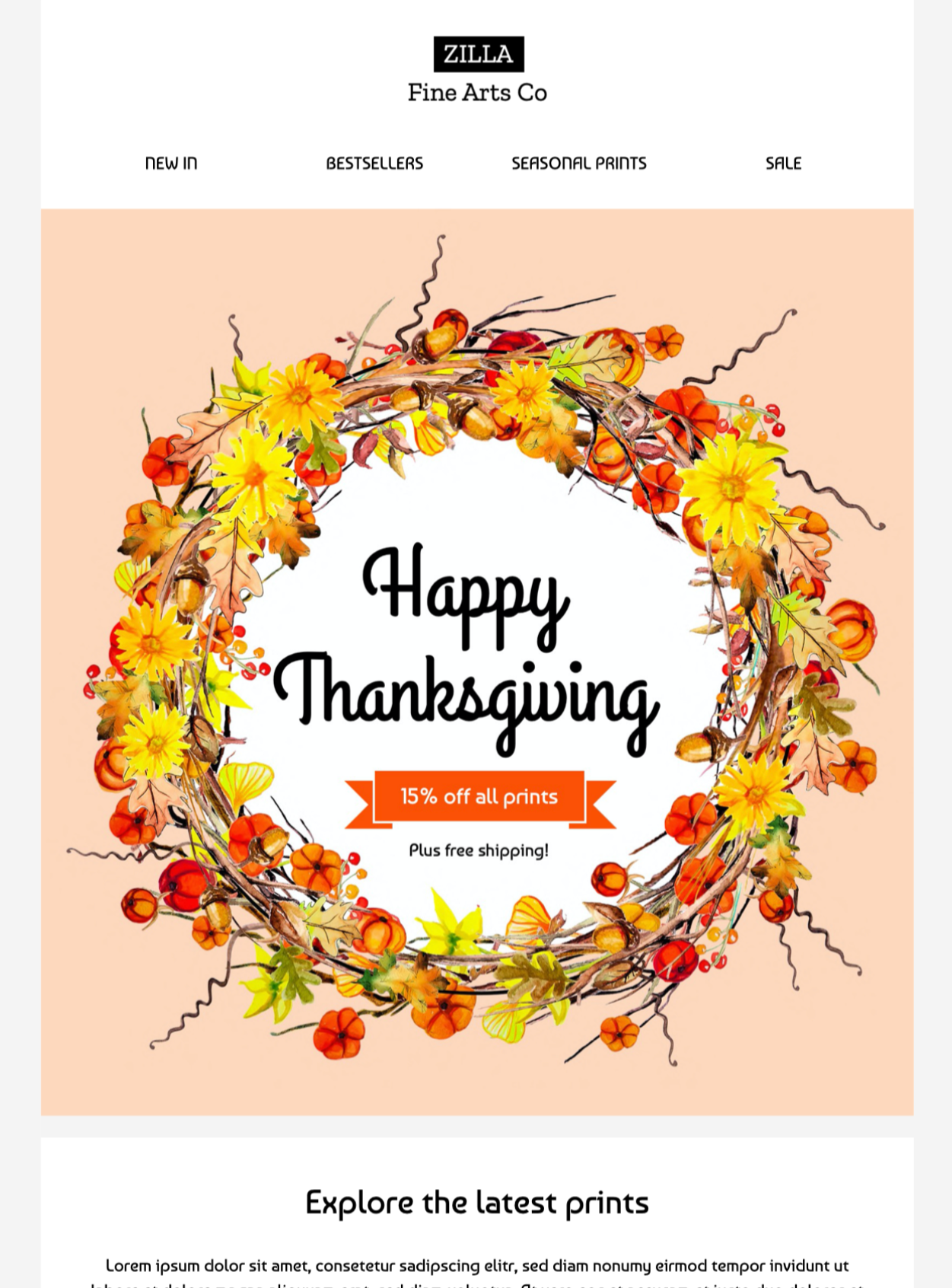
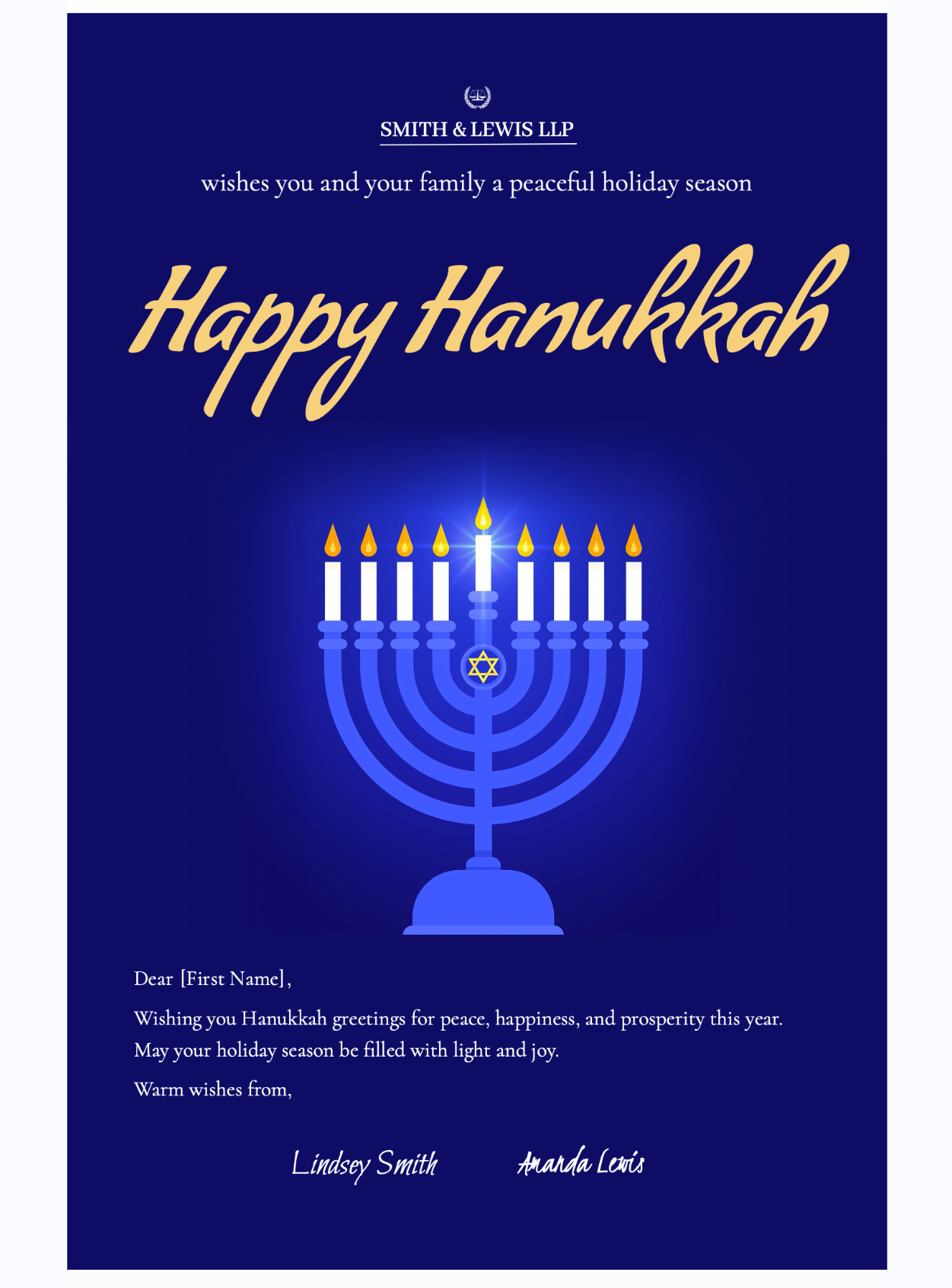
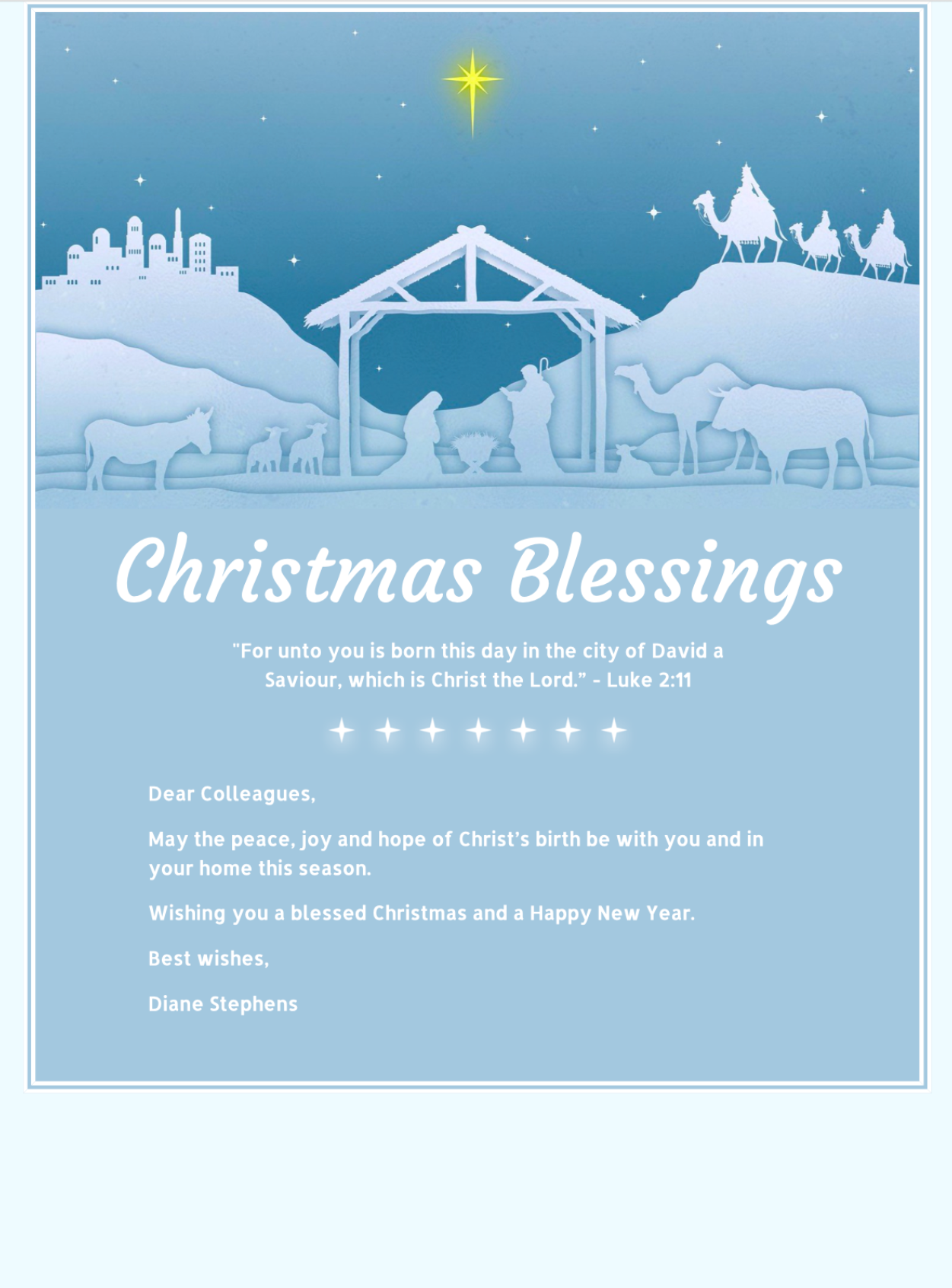
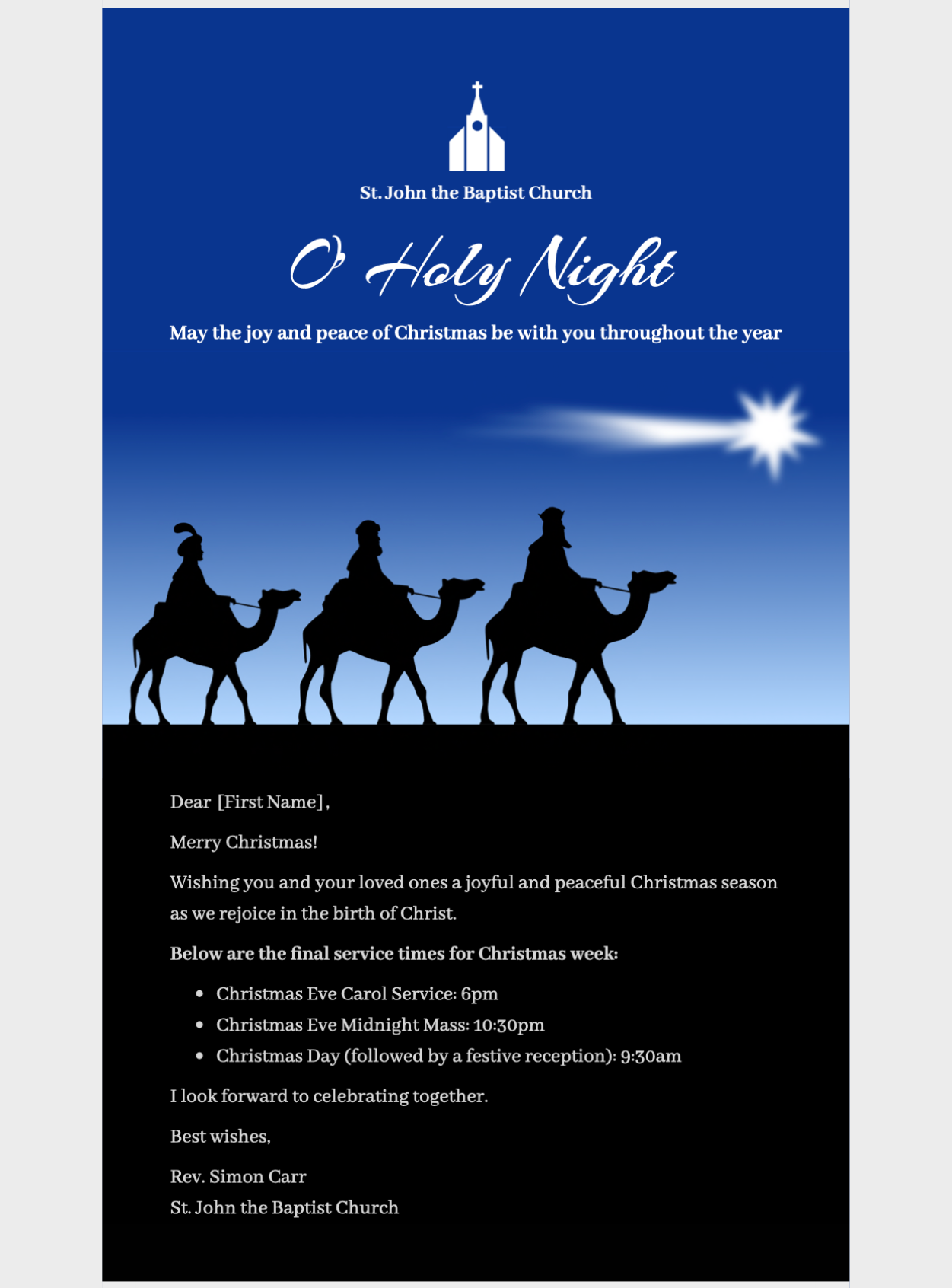
Find all the new seasonal Design Ideas in the Design Chooser under the "Seasonal" category.
New: Badges, eye-catcher graphics, ready-made layouts and logos
Head to the Contents Library in the sidebar to find even more creative resources to help inspire you when designing your templates:
- New colorful badges for seasonal sales and promotions
- New sustainability badges, including “vegan” badge - great for a range of businesses, such as restaurants & cafes
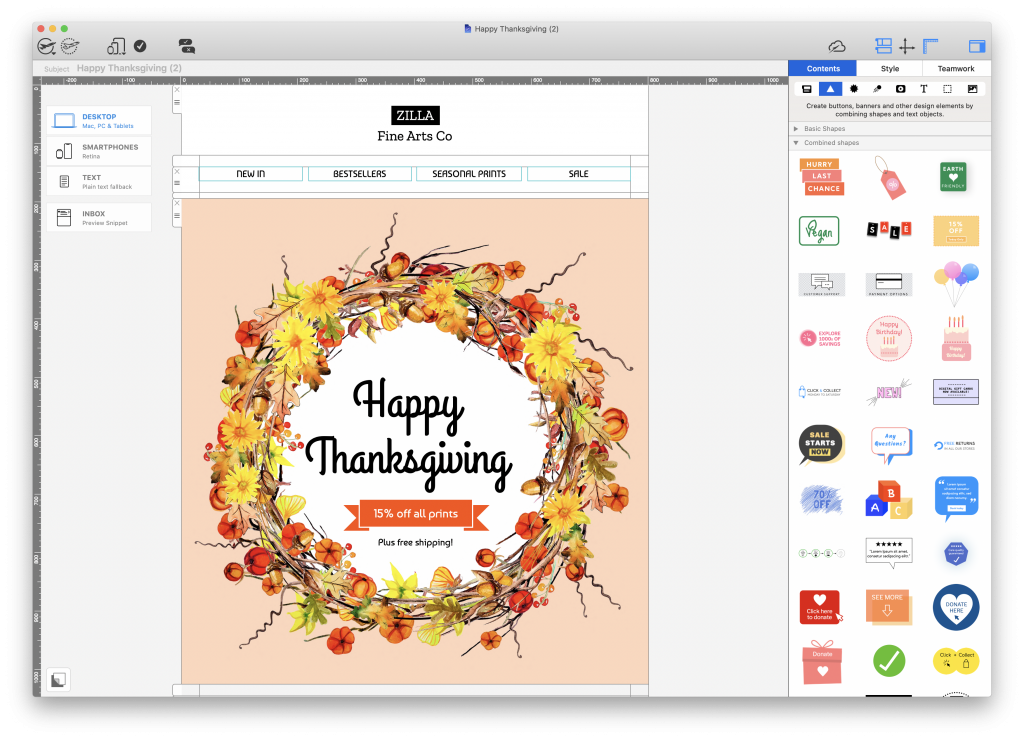
Explore new sales and sustainability graphics
- New shipping services category: Delivery logos for online shops to show their chosen shipping services, including DHL, UPS, and FedEx
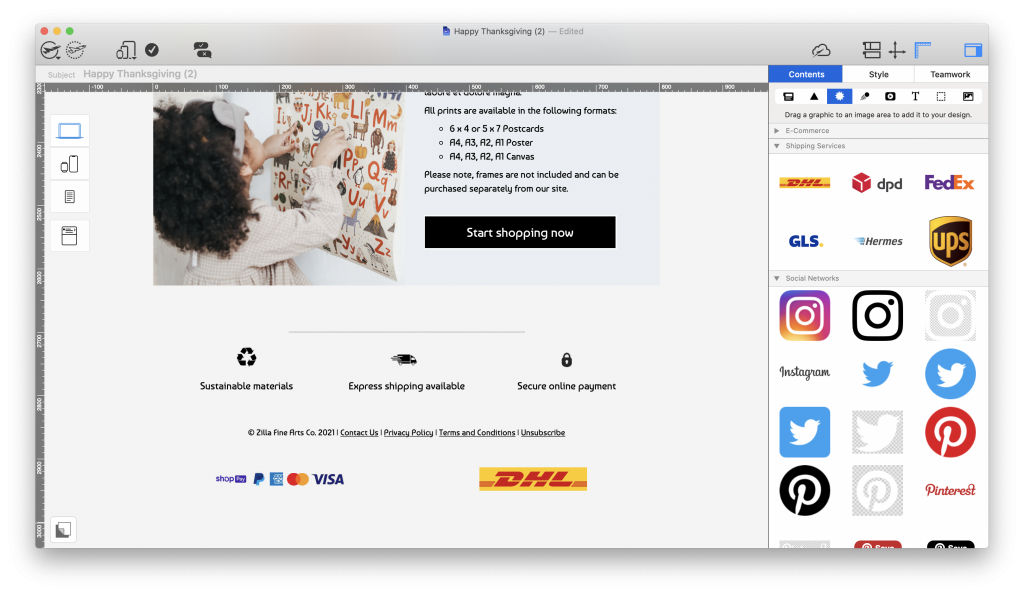
New shipping services category for popular delivery companies
- Ready-made layout blocks for call-to-action layouts, social media, service icons, and disclaimer text
Tip: Explore ready-made layout blocks
In addition to over 200 email templates, Mail Designer 365 also offers a wide selection of ready-made layouts for you to drag and drop into designs. This feature is perfect if you are building a template from scratch and need some inspiration for a certain layout element.
The version 2.8 library included blocks for social promotion, calls to action, disclaimer text, and tables. Current block and plan availability may differ.
Go to Contents > Layout Blocks and switch to the "Ready-Made" tab to explore all the styles:
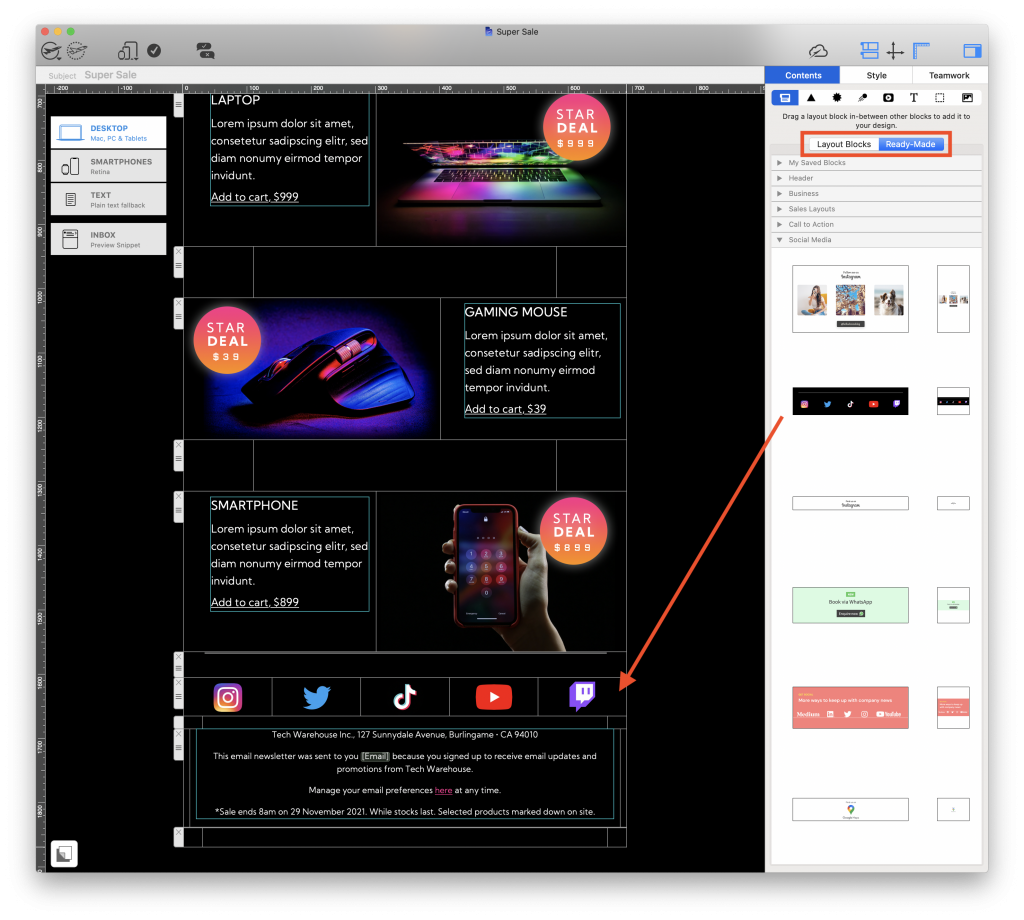
Add flair to your email designs with ready-made layout blocks
Find all the new seasonal Design Ideas in the Design Chooser under the "Seasonal" category.
Further Improvements and how to upgrade
- macOS Monterey: An issue with preview images in the design chooser has been fixed. Note the preview will be fixed the next time you open and save your design
- Further stability and performance improvements
How the Mail Designer 365 2.8 update was installed
When version 2.8 was released in 2021, existing customers could install it from the Mail Designer 365 menu by choosing “Check for updates.” This section is retained as historical documentation. For a current installation, use the latest official download and follow the instructions shown in the app.
Update tip: Automatic updates can help supported installations receive newer releases. Confirm the available setting in your current app version:
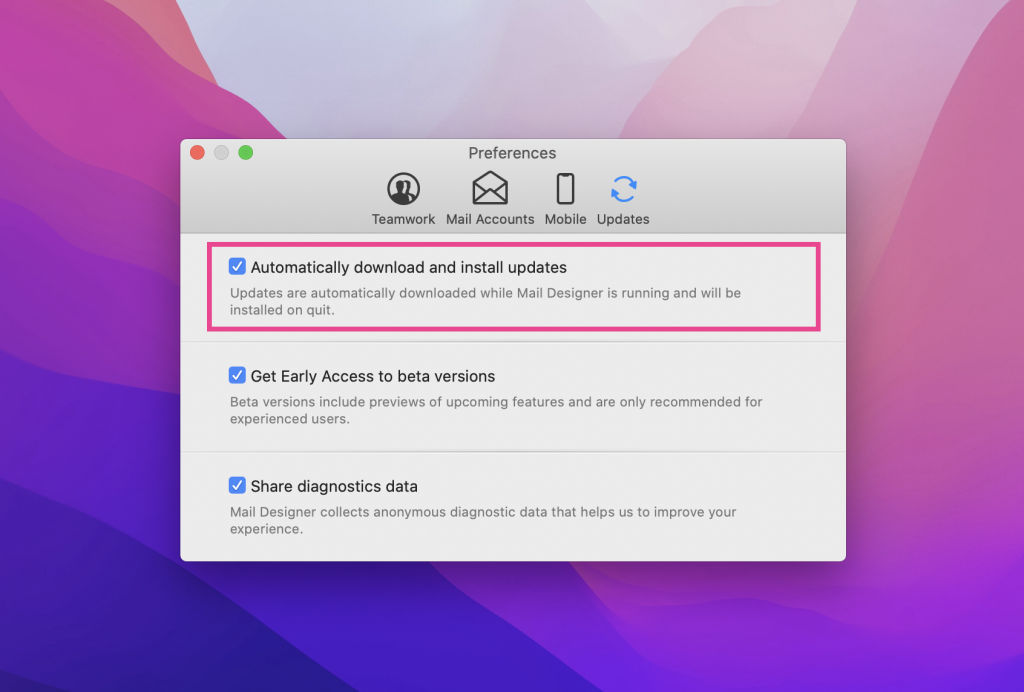
The automatic-update setting shown in the version 2.8 release documentation.