Frequently Asked Questions
How do I add borders to my photos?
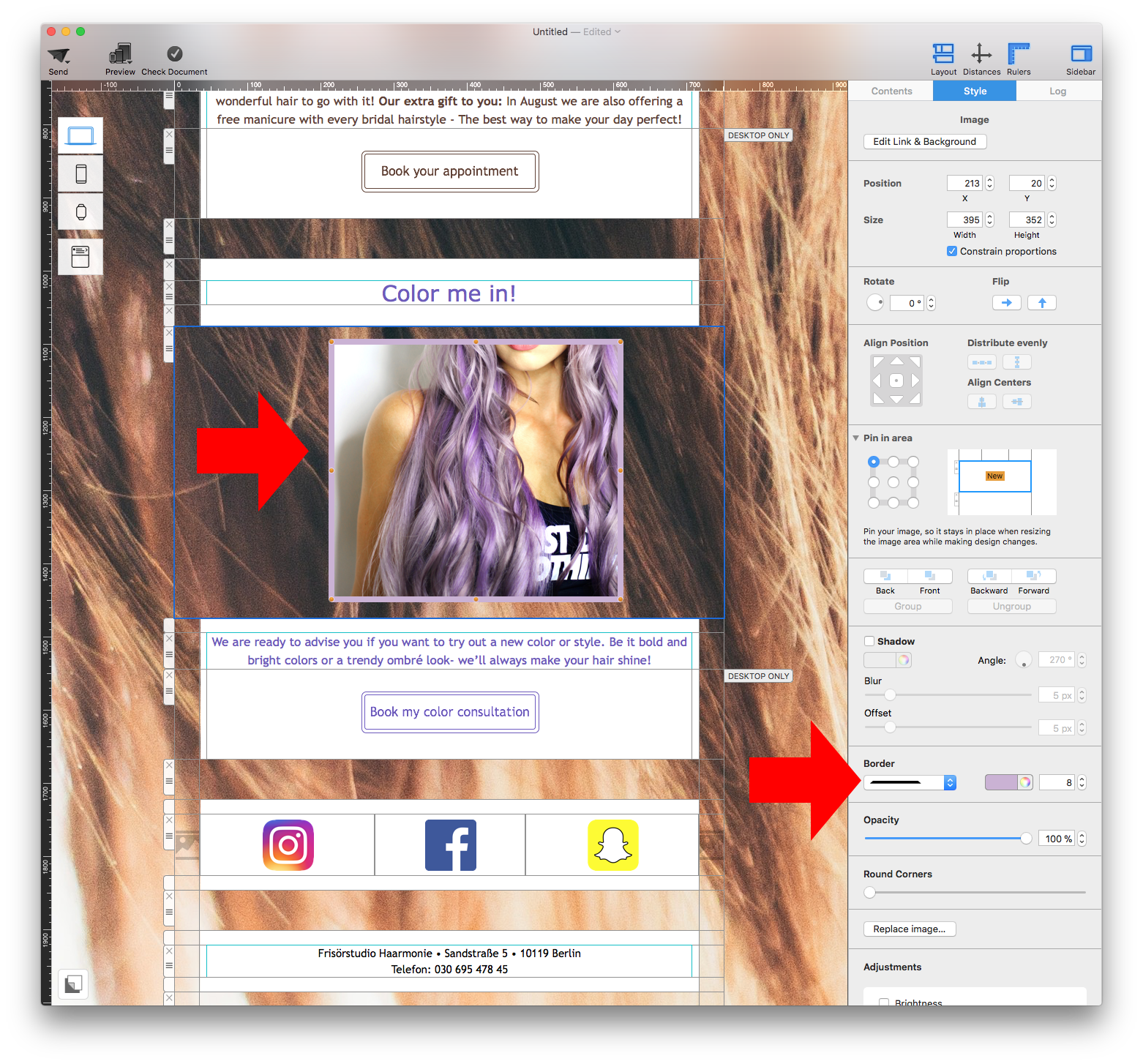
With Mail Designer 365, you can now easily add borders to your photos.
‣ Select the photo that you want to add a border to
‣ This will automatically prompt Mail Designer 365 to open the "Style" tab on the right side of the screen
‣ At the bottom, find the "Border" section
‣ Select the type of border that you want to use
‣ Click on the color wheel icon and choose the color of your border
‣ Change the pixel size to adjust the thickness of the border
Note: You can also add borders to shapes.