When to Use an Opt In Email Template
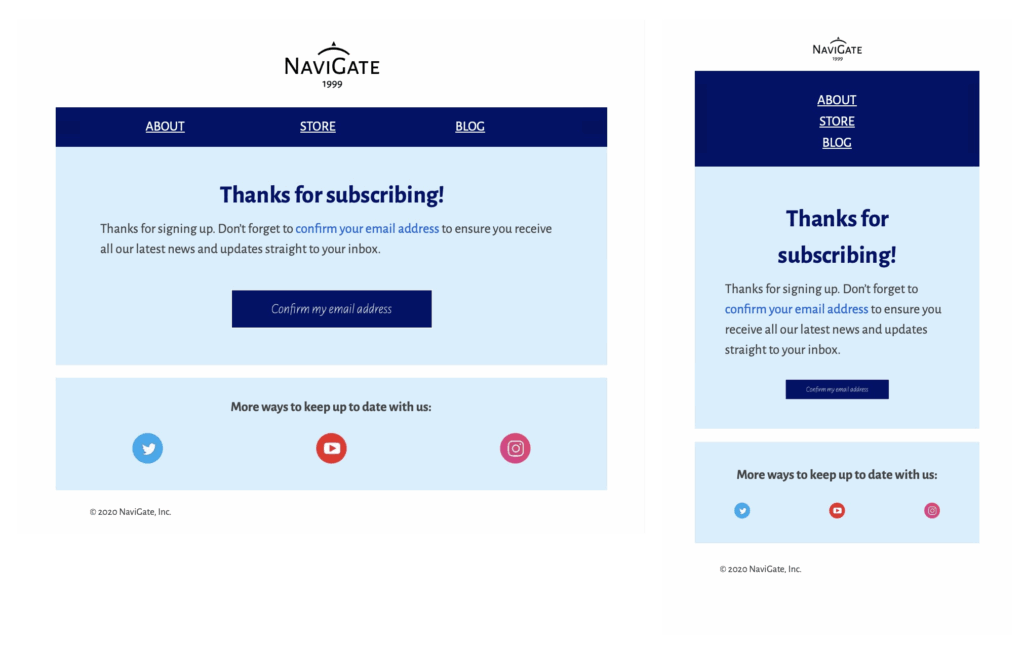
An opt in email template gives new subscribers a clear next step after they submit a signup form. Use it for newsletter confirmation, event updates, product announcements, member communications, or any list where you need readers to confirm that they want to hear from you. The message should explain why the recipient is receiving it, what they will get after confirming, and which button completes the signup. Keeping that information together makes the confirmation easier to understand and helps subscribers recognize your organization.
Customize the Confirmation Journey
Adapt the logo, colors, type styles, introductory message, confirmation button, and footer to match your brand. Make the main action easy to find on desktop and mobile, and use specific button text such as “Confirm my email address.” Add a short reminder of the content or frequency the subscriber requested, then link to your privacy information and contact details where appropriate. Mail Designer 365 lets you edit the HTML layout visually, preview responsive behavior, and reuse the finished design for future signup campaigns.
Consent and Compliance Checklist
A professional opt-in message supports a transparent consent process, but the email design is only one part of compliance. Confirm the requirements that apply to your organization and audience using authoritative guidance such as the European Commission data protection overview. Avoid preselected consent choices, identify the sender clearly, store the signup and confirmation records in your contact system, and make it easy for subscribers to withdraw consent later. Do not add promotional distractions that compete with the confirmation action. If your legal or privacy team provides approved wording, include it without changing its meaning.
Test Before You Send
Before publishing your opt in email template, send test messages to the email clients your audience uses most. Check the sender name, subject line, confirmation link, mobile layout, image alternatives, footer, and privacy links. Verify that the confirmation button reaches the correct success page and that an expired or repeated click is handled clearly. A complete test protects the subscriber experience and gives your team confidence that each confirmed address enters the intended audience or automation.
Customize this opt in email template in Mail Designer 365