
Frequently Asked Questions
Why does my design have a margin on the right side on mobile devices like smartphones?
A white margin on the right side in the mobile version of your design usually appears when the set width for mobile devices is too narrow. Although the design looks correct in Mail Designer, display issues can occur on real devices.
Here’s how to fix the problem:
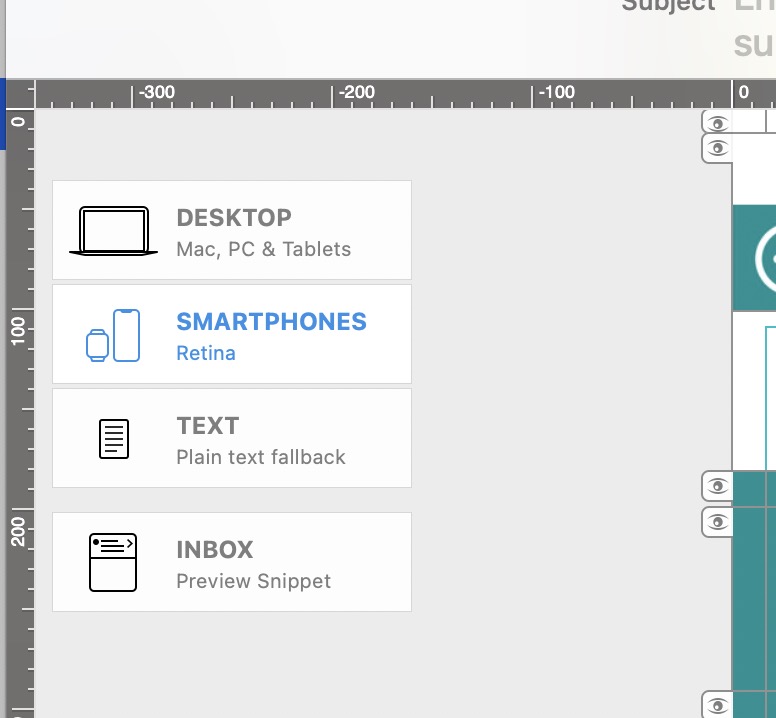
- In Mail Designer, switch to the Desktop view (top left of your design) and click on the outer margin area of your design (usually the white or gray background). The "Format" tab in the right-hand sidebar will now show the "Inner Content" section.
- Now switch to the Smartphone view (top left of your design).
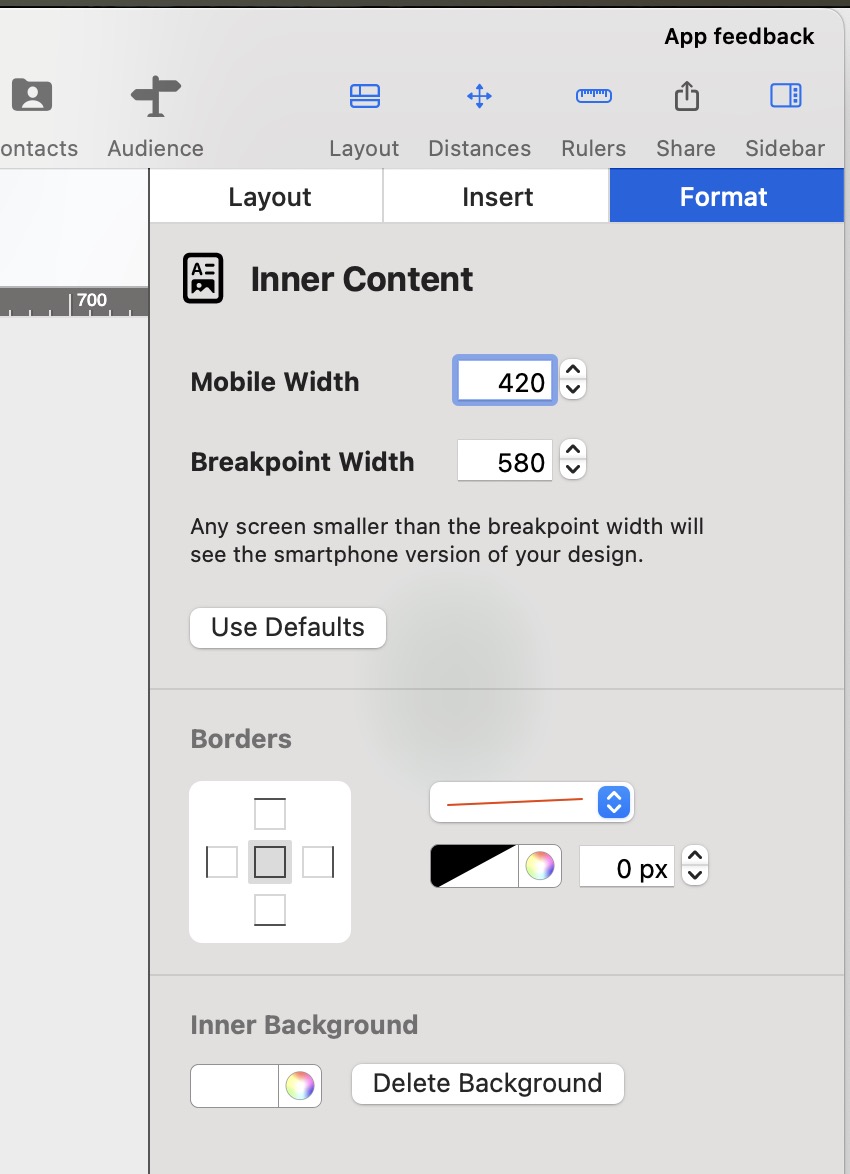
- In the right-hand sidebar, under "Inner Content", increase the value under "Mobile Devices": 420 pixels is a good value for most smartphones.
Need support on email design issues in Mail Designer 365? Invite us and we'll help you troubleshoot!
I’m a FileMaker developer. How can I handle billing with my client? What does my client need to pay?