Frequently Asked Questions
Importing designs and preferences from older Mail Designer versions
Mail Designer 365 needs your permission to access your previous designs and app preferences from earlier Mail Designer versions:
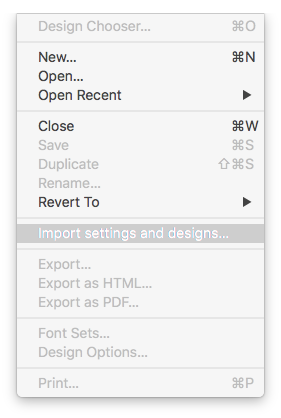
- Click on "File" > "Import settings and designs."
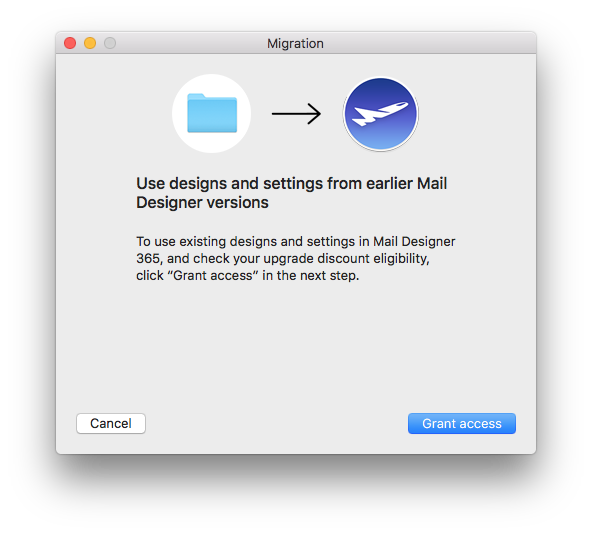
- When the migration window pops up, select "Grant access" to continue.
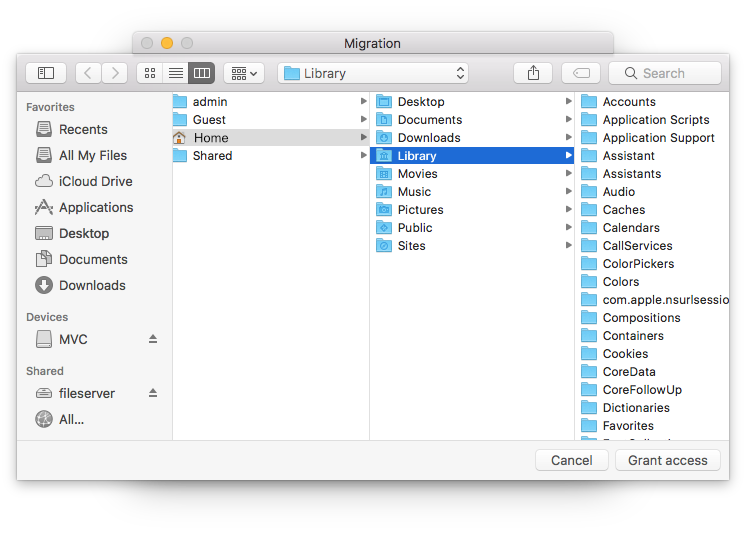
- In the next window, simply select "Grant access" again to allow Mail Designer 365 access to the design files in your Library. You do not need to select a different folder.
- Select from the list which settings you would like to copy over to Mail Designer 365 and then click "Import selected."
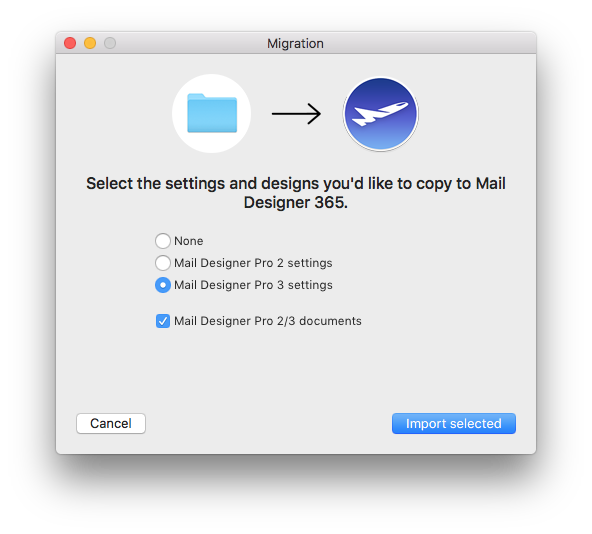
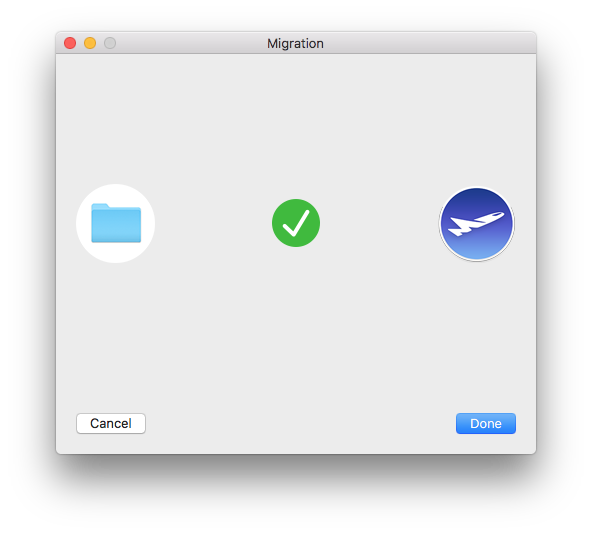
- Your designs and in-app preferences will then be quickly imported into Mail Designer 365.