Frequently Asked Questions
Why does the image resolution change when I copy & paste my Mail Designer 365 email design into Outlook?
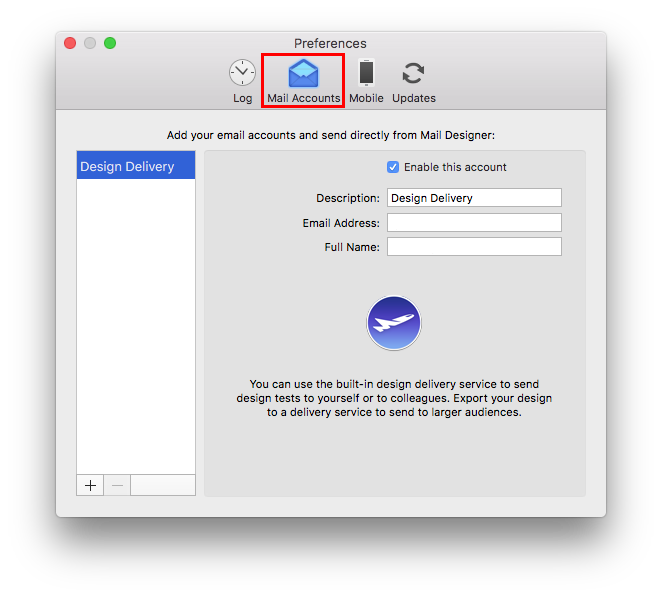
We do not support copy & pasting into Outlook. When you copy & paste, there is no way for us to ensure that Outlook will preserve all of the formatting from Mail Designer 365. Instead, we recommend adding your email account to Mail Designer 365 and sending your messages that way.
‣ Go to "Mail Designer 365" > "Preferences."Please refer to the following pages for further information on configuration and sending emails via Mail Designer 365:‣ Then choose "Mail accounts"