Frequently Asked Questions
How do I export my email design as a .zip file in Mail Designer 365?
‣ Choose “File" > "Export…”Please refer to the following page for further information on how to export your email design as a .zip file:‣ Save your file. ‣ Then, find your saved file in the location that you saved it to. ‣ Right-click the file and choose "Compress “YOUR FILE NAME”" in the menu bar:
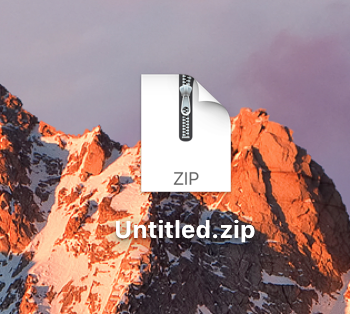
‣ This will create a .zip file: