
Frequently Asked Questions
I want to manage the renewal settings for my VPN Tracker plan. How does this work?
Managing your VPN Tracker account is easy!
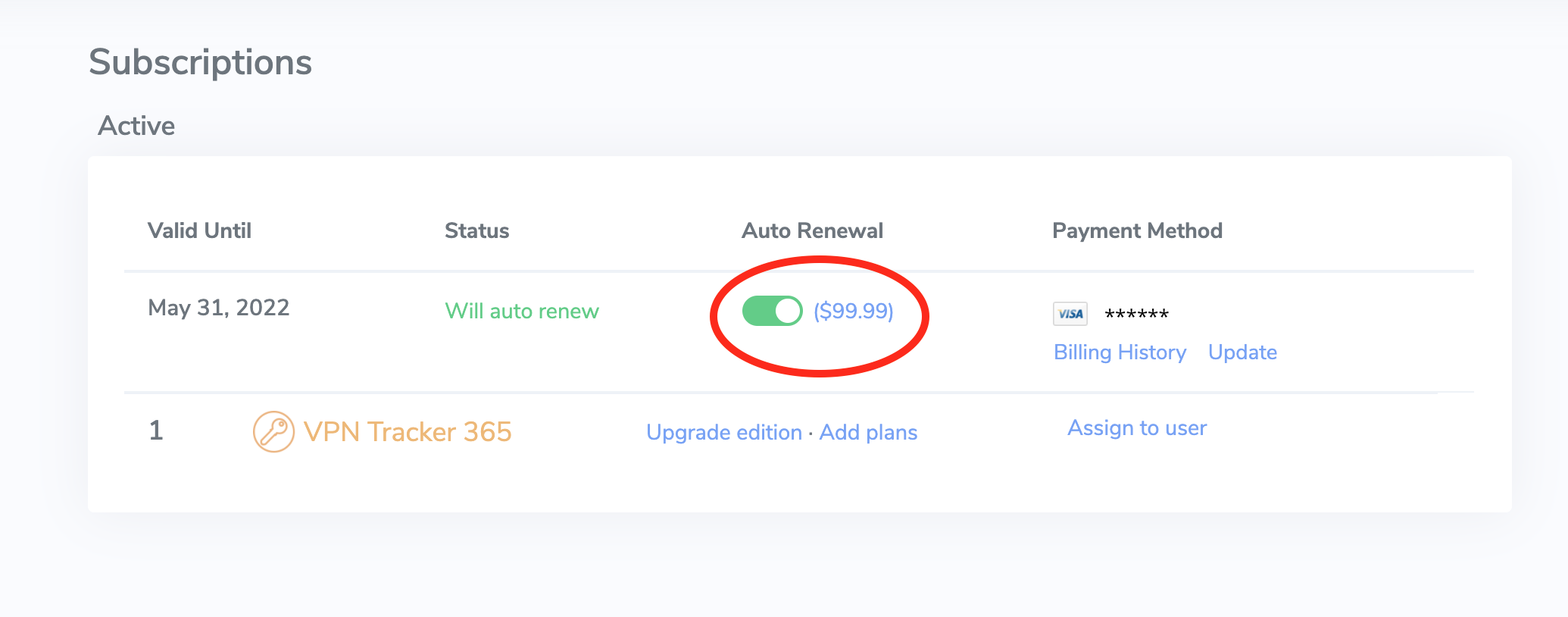 We generally recommend leaving auto-renewal enabled to prevent any disruption to your VPN service: Our system always sends a reminder before your plan will auto-renew to give you plenty of time to deactivate auto-renewal if it's no longer required.
- Go to my.vpntracker.com and sign in with your equinux ID and password.
- Under "My Subscriptions" in the sidebar menu, you'll see a list of your current VPN Tracker 365 plans.
- Activate automatic renewals to ensure your license is renewed at your current rate.
- Alternatively, you can let your current license expire and then purchase a new plan at the new customers rate from our online store.
We generally recommend leaving auto-renewal enabled to prevent any disruption to your VPN service: Our system always sends a reminder before your plan will auto-renew to give you plenty of time to deactivate auto-renewal if it's no longer required.