
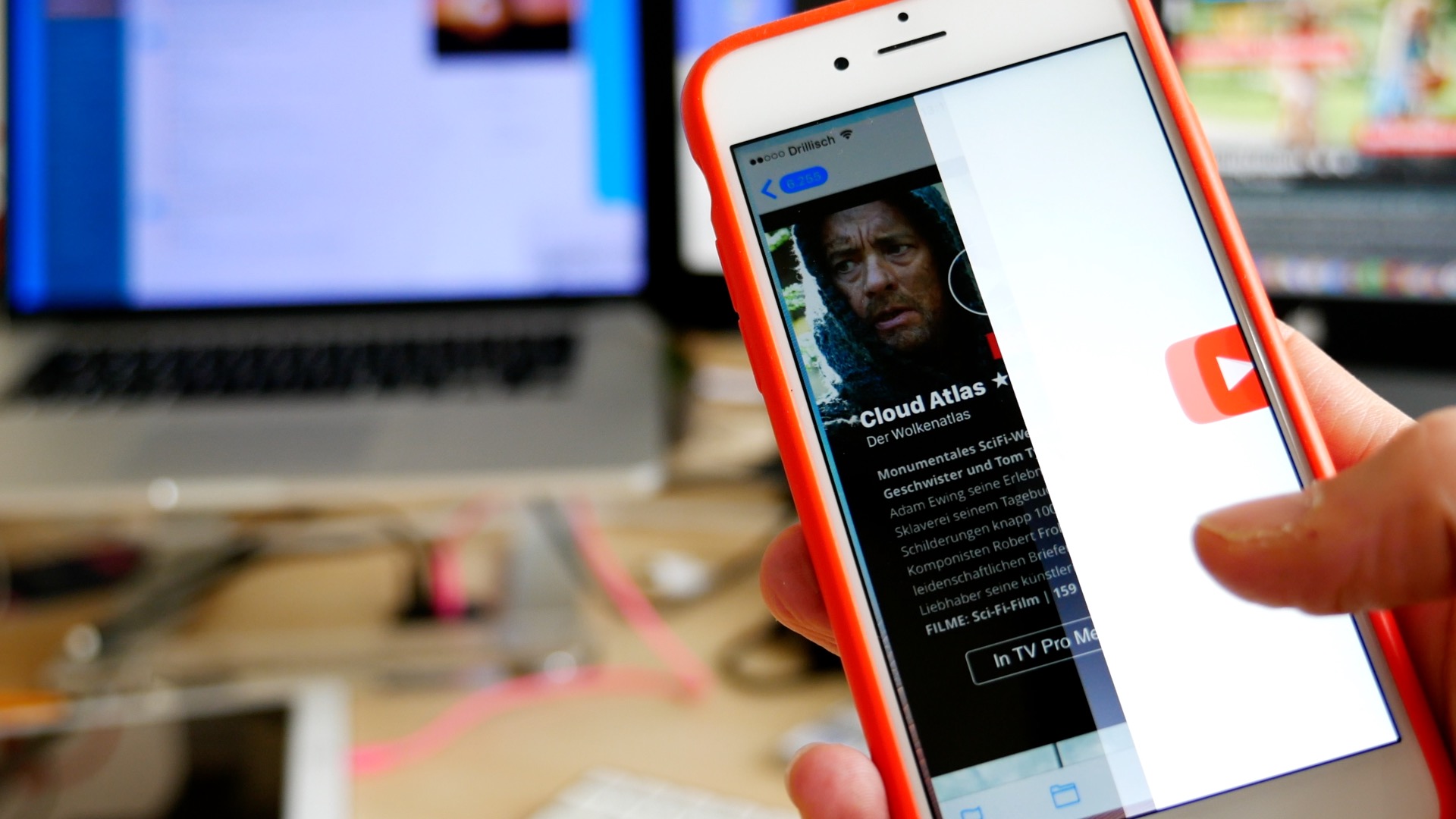
Video links give mobile email readers a clear path from a newsletter preview image to content hosted on YouTube or Vimeo. When the corresponding app is installed, the linked video can open directly in that app on iOS or Android.
If you build YouTube and Vimeo links into the mobile version of your Mail Designer 365 newsletter, then your readers are directly forwarded to the corresponding YouTube or Vimeo apps for the iOS or the Android.
Adding video links is easy
● You can present a preview picture for your video using a picture placeholder layout block.
● Also, you can add preview images with our video icons or with your own player overlays.
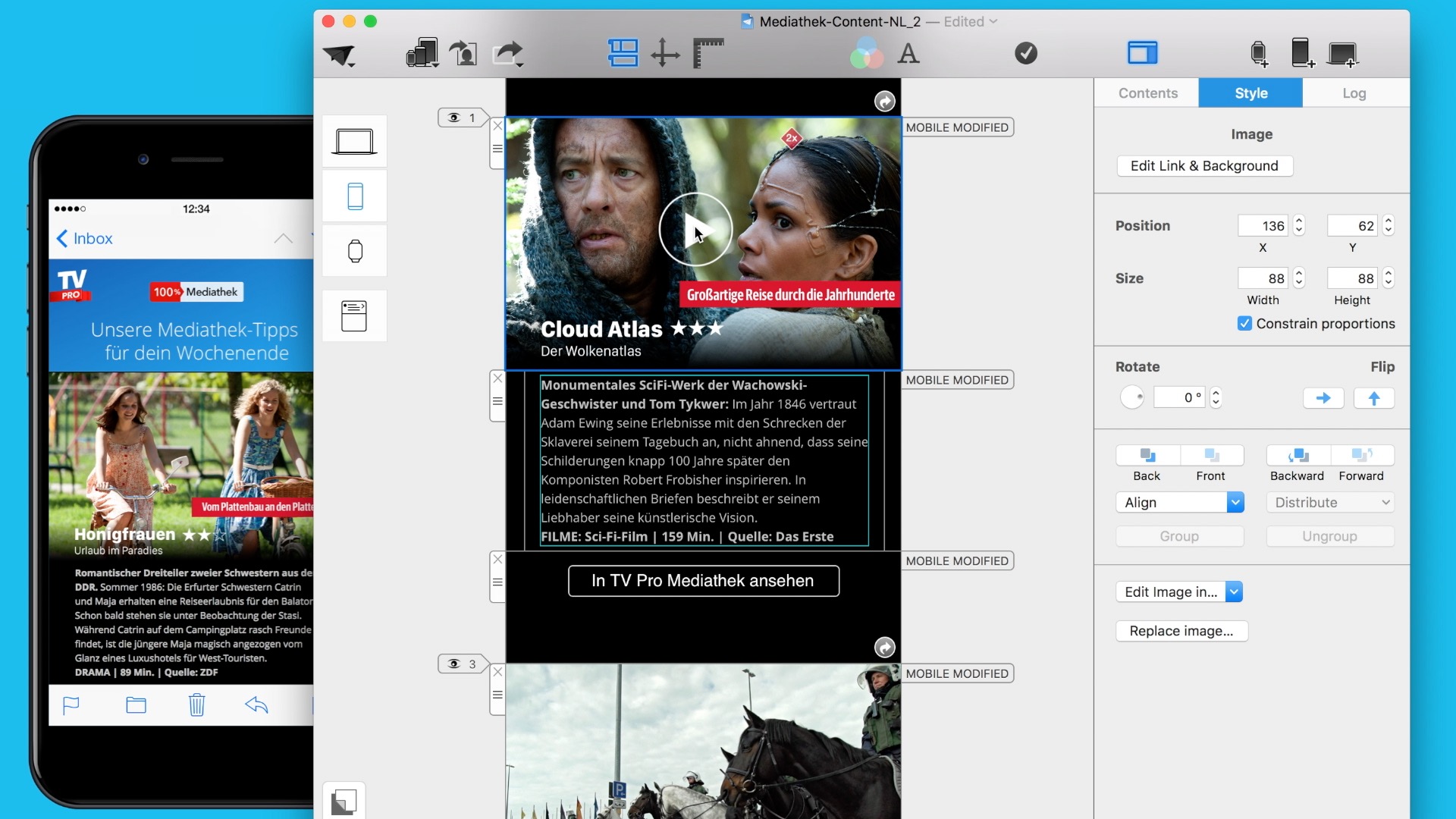
● Whether you're adding a YouTube or Vimeo URL, don't forget to add a link to the image area.
● If your readers already have the YouTube or Vimeo app installed, then the video will play directly on their tablet or smartphone. All they need to do is touch the video preview image.
● If not, then your readers will be directly forwarded to the corresponding YouTube or Vimeo apps for the iOS or the Android.
Extra tip: With Vimeo, it is possible to insert a CTA link at the end of the video. Just go to the settings under Embedding> Final screen. This is a good technique if you want to link to a landing or action page at the end of your video.
Try and add your video links today!
Until next time,
Your Mail Designer 365 team
Prepare video links for mobile readers
Email clients do not handle embedded video consistently, so a linked preview image is usually the most dependable approach. Choose a still frame that makes the subject clear, add a recognizable play icon, and connect the complete image area to the hosted video.
Keep the preview useful when images are blocked. Add concise alt text that explains what the video contains and avoid placing essential campaign information only inside the image. The surrounding copy should tell readers why the video is worth opening.
Test the destination before sending
Open every link on a phone and a desktop computer. Confirm that the correct video loads, that access permissions allow recipients to view it, and that the landing page does not require an unexpected sign-in. If you use a tracking link, test the final redirected destination as well.
Check the image crop in the mobile layout and make the tap target large enough to use comfortably. A short descriptive headline beneath the preview can help readers who do not immediately recognize the image.
Use one clear video action
If the email promotes one main video, avoid competing play buttons that lead to different destinations. One clear preview and one supporting text link are usually enough. For a newsletter containing several videos, give each preview a distinct label so readers understand what will open.
Finally, send tests to several inboxes. Verify the preview image, alt text, video links, mobile spacing, and unsubscribe behavior before scheduling the campaign.