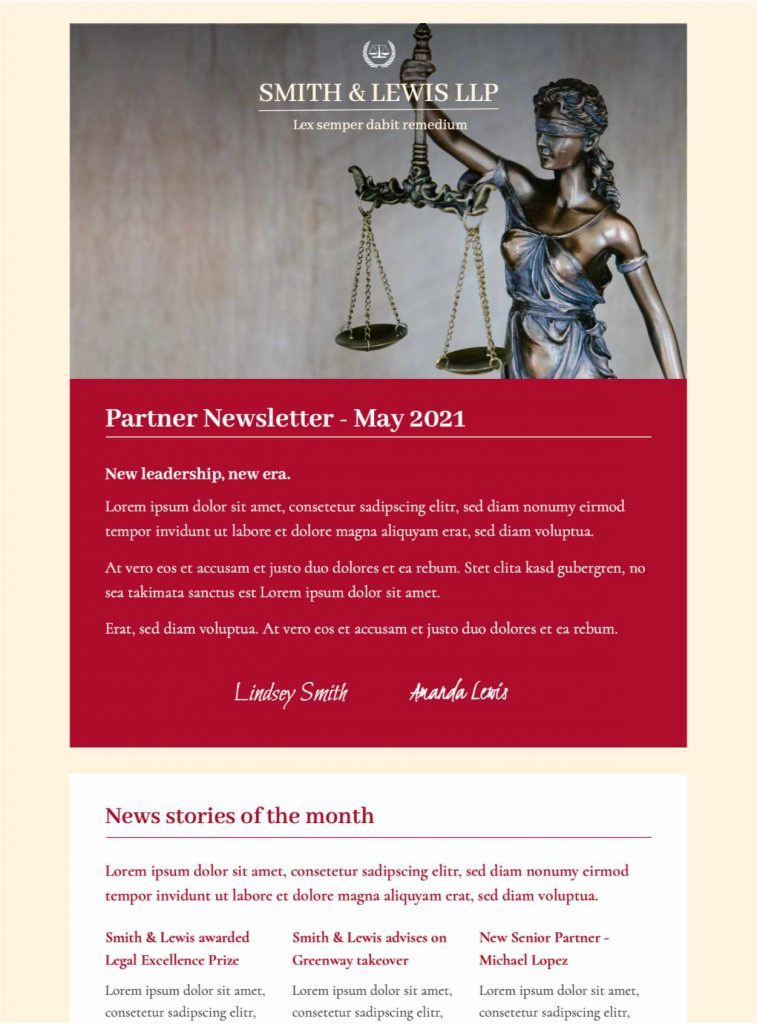
Plan Useful Updates for Clients and Contacts
A legal newsletter template works best when each issue has a clear editorial purpose. Use it for firm announcements, attorney profiles, practical legal updates, event invitations, community work, or carefully selected commentary on recent developments. Group related items under descriptive headings and lead with the information most relevant to the audience instead of treating the message as a general firm brochure.
The supplied preview uses a formal visual style, a prominent lead image, and separate sections for partner news and monthly stories. Replace the sample content with current, approved material and keep each summary concise. Link to a full article or firm resource only when readers need additional context.
Review Accuracy, Confidentiality, and Permissions
Before sending a law firm email newsletter, have the responsible person check names, job titles, dates, jurisdictions, citations, and contact details. Do not include client information, case facts, photographs, testimonials, or outcomes without the appropriate approval. Distinguish general information from advice and add the firm’s required disclaimer where applicable. Requirements differ by jurisdiction and practice area, so the final message should follow the firm’s own professional and regulatory review process.
Use accurate subject lines and avoid language that promises a result. If the newsletter discusses a changing legal development, state the relevant date and explain that later guidance may supersede the summary.
Customize the Legal Newsletter Template
In Mail Designer 365, adapt the logo, firm colors, typography, author details, and content modules while preserving a calm, readable hierarchy. Use one primary call to action per story and make link text describe its destination. Keep the contact block consistent with the firm website and include the correct office address and subscription preferences.
Short alternative text helps recipients understand meaningful images when they do not load. The W3C image decision tree provides a practical way to decide whether an image needs descriptive alt text or should be treated as decorative.
Test the Newsletter Before Distribution
Send test messages to desktop and mobile inboxes, then review the reading order, text size, contrast, links, and footer. Confirm that every article points to the intended page and that subscription and unsubscribe controls work as expected. Check the message again after the legal or compliance review so the approved wording is the version that reaches recipients.