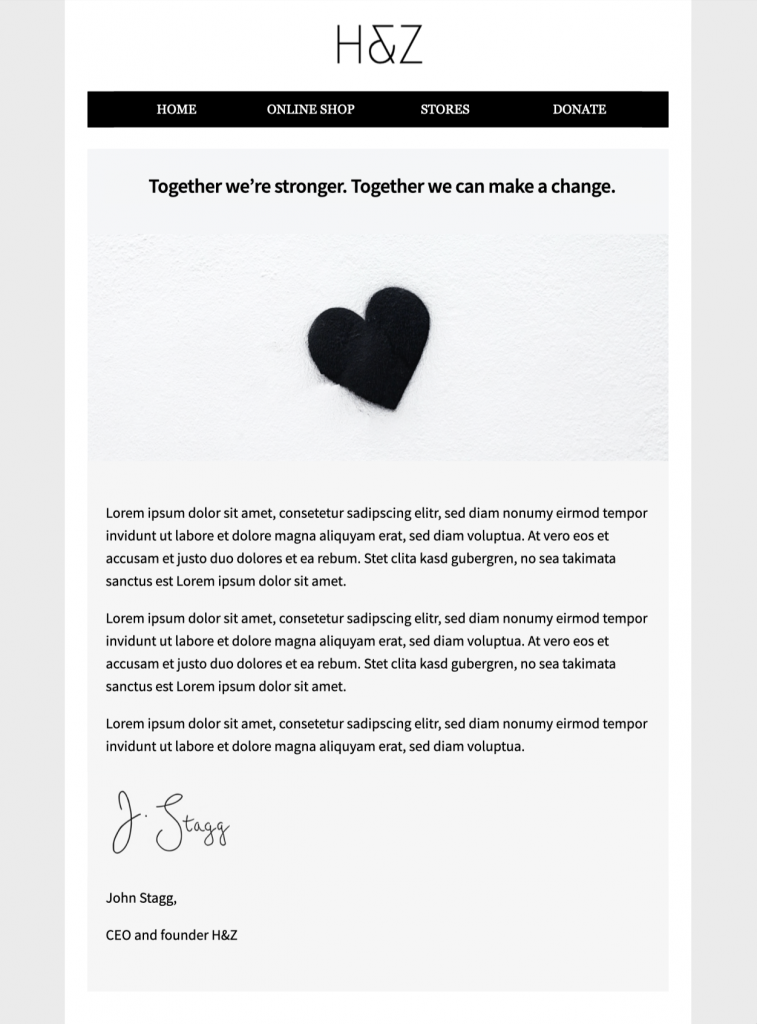
Customize this responsive email template for account statement messages
Use this responsive email template for account statement messages to present balances, recent activity, payment details, or a clear service update in a polished branded layout. The design is exclusively available in Mail Designer 365 and can be adapted to match your company colors, typography, and wording before you send.


Already a Mail Designer 365 user? Open the Design Idea here.
Why use this account statement email template?
A well-structured statement email helps recipients find the information they need quickly. This design separates the main message from supporting details and provides space for a clear next step. Use it for periodic statements, account summaries, balance notifications, or other transactional updates that require a professional presentation.
The responsive email template for account statement communication is designed to remain readable on desktop and mobile screens. Replace the sample content with accurate account information, add the support and legal details your organization requires, and test the finished email before sending it to your audience.
Information to include
Use a concise subject line and identify the statement period near the start of the message. Clearly label totals, dates, account references, payment information, and the action the recipient should take. If the email links to a secure customer portal, explain what the recipient will find there without placing sensitive account details directly in the message.
Customize the design in Mail Designer 365
Adapt the layout with your approved logo, brand colors, fonts, and support wording. Keep headings short, preserve strong contrast, and use descriptive link text so the message remains understandable when images are blocked. You can also adjust the hierarchy so the current balance or account status is prominent while secondary details remain easy to scan.
Check before sending
Confirm every figure, date, account reference, destination link, and contact detail. Preview the message on desktop and mobile, send a test email, and verify that the call to action opens the correct secure destination. Never include passwords, complete payment credentials, or unnecessary personal information in an email statement. For campaigns sent to Gmail accounts, review Google's official email sender guidelines before launch.
Key features
- Announcements & Business
- Customise for your business
- Mobile responsive
- Send via your ESP
- Send via your own email address
- Export as HTML
Ready to send?
You've got your email template, now it's time to send! Schedule and send emails in Delivery Hub.