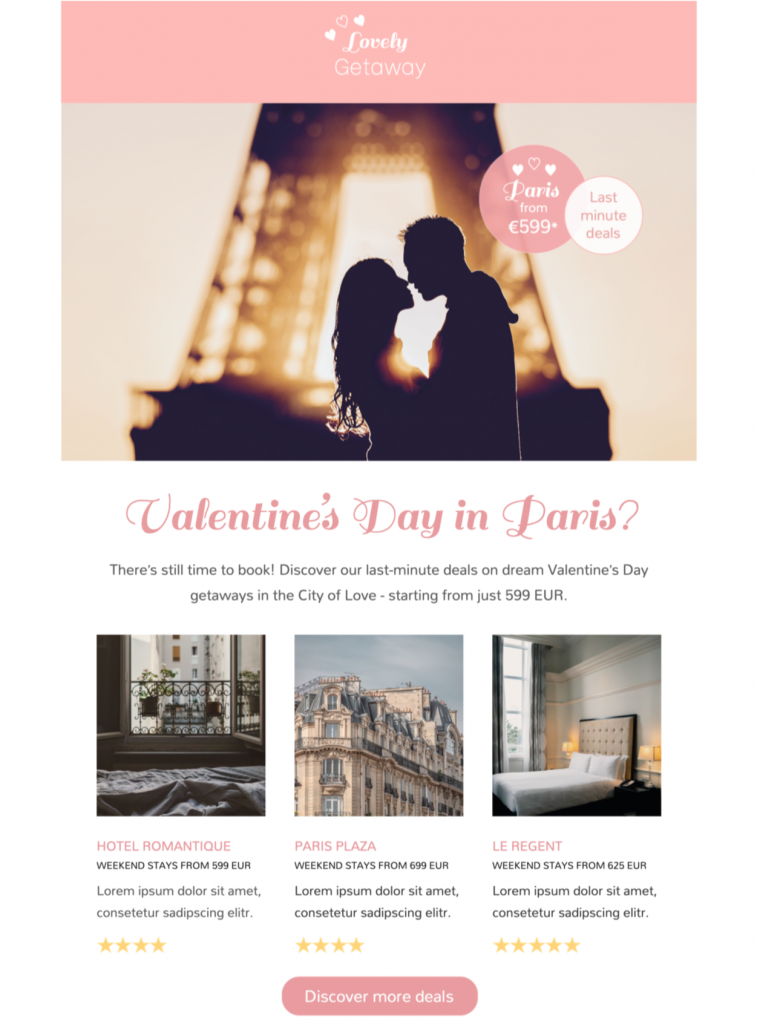
How to use this Valentine's Day Travel HTML Email Template
Choose one booking goal before editing the design: promote a romantic weekend, highlight a destination package, fill remaining availability, or invite subscribers to request a tailored itinerary. Lead with the destination, travel dates, and most useful benefit, then use one prominent button for the next step.
Describe the travel offer clearly
State what is included, the price basis, eligible dates, booking deadline, availability limits, departure point, room or fare conditions, and important exclusions. If transfers, meals, taxes, resort fees, or cancellation options cost extra, explain that before the booking link. Avoid presenting an example itinerary as guaranteed availability.
Customize the romantic design
Replace the sample logo, colors, photography, sender details, button label, and destination with your own brand elements in Mail Designer 365. Keep dates, prices, and booking conditions as live text rather than placing them only inside artwork. Use descriptive destination images that accurately represent the promoted experience.
Segment the right audience
Tailor the message by origin market, preferred destination, loyalty status, language, or previous travel interest. Respect communication preferences and avoid assumptions about relationships or how subscribers celebrate Valentine’s Day. A flexible message can also work for friends, solo travelers, or gift purchasers.
Test accessibility and booking links
Use readable type, sufficient contrast, descriptive links, and meaningful image alternatives following W3C accessibility guidance. Preview mobile and desktop layouts, send a proof, open every link, and verify prices, dates, tracking parameters, the legal footer, preference controls, and unsubscribe link. Browse more Mail Designer 365 email templates if another travel layout better fits the offer.