Domande frequenti
I miei modelli esistenti continueranno a funzionare e ad avere un bell'aspetto in Mail Designer 365?
Non posso acquistare un abbonamento e devo aggiornare il mio software per la nuova versione di macOS
Perché i miei testi alternativi delle immagini non vengono visualizzati correttamente in Apple Mail?
Come posso ottenere l'accesso anticipato alle versioni beta di Mail Designer 365?
If you've bought Mail Designer 365 in our store, you can get beta versions of Mail Designer 365. This feature is not automatically available if you bought Mail Designer 365 from the Apple Mac App Store. However, if you still wish to access the beta version, you can download Mail Designer 365 free from our website and login to your account with your equinux ID and password.
To access the beta version, please follow these steps:
‣ Open Mail Designer 365 on your Mac. ‣ Choose "Mail Designer 365" > "Preferences".‣ Make sure to click the "Updates" tab.
‣ Check the "Get Early Access to beta versions" box.
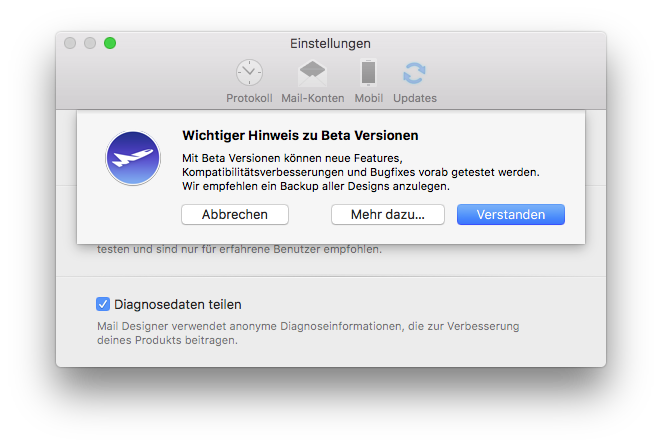
‣ Since Beta versions are meant to test features and compatibility, Mail Designer 365 will remind you to have a backup of your app and designs:
For checking updates, Mail Designer 365 will check for new versions on app start or you can:
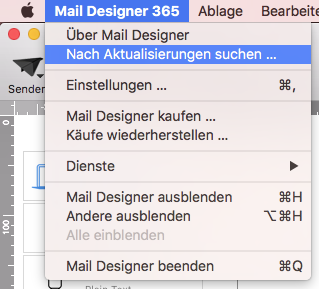
‣ Go to "Mail Designer 365" > "Check for Updates…"Please refer to the following page for further information: